Tweet-a-Watt Power Monitor
Read this article in MAKE:
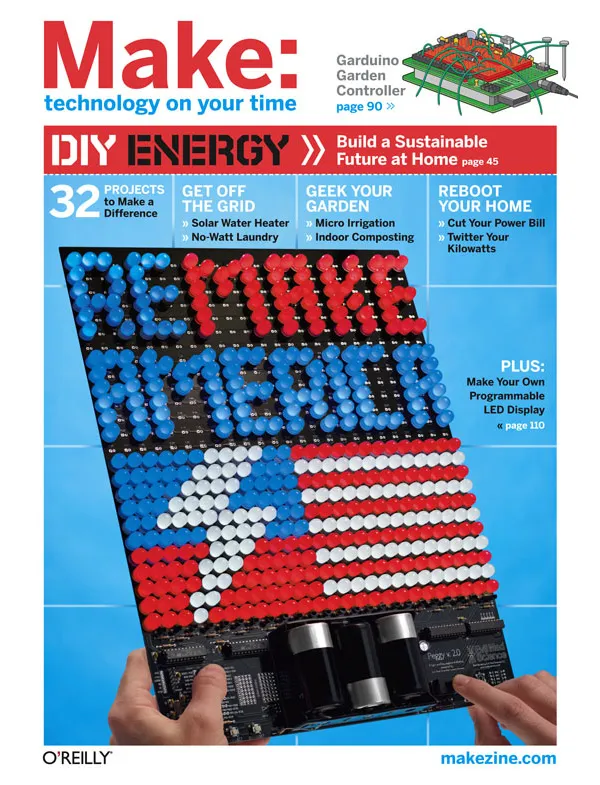
18: ReMake America, Page 112.
To get MAKE, subscribe or purchase single volumes.
Build a wireless electricity monitor for about $50, and twitter your kilowatts.
By Limor Fried, Phillip Torrone
Illustrations by Tim Lillis

We live in a rented apartment, so we dont have hacking access to a power meter or breaker panel. But we still wanted to measure our household power usage long-term, so we developed the Tweet-a-Watt. It uses plug-in electricity monitors at each outlet to wirelessly send readings to a base station, which assembles them into reports you can analyze and graph. It can also broadcast updates via Twitter.
Building your own power monitor isnt too tough and can save money, but were not fans of sticking our fingers into 120V wiring. Instead, we built on top of a P3 Kill A Watt power monitor, which we found at the local hardware store.
To track usage room by room, for example "kitchen," "bedroom," "workbench," and "office," you can use a 6-outlet power strip in each room to feed all the room's devices through a shared monitor. Each Kill A Watt can measure up to 15 amps, or about 1,800 watts, which is plenty for any normal room.
You can build each wireless outlet monitor for about $50 with a few easily available electronic parts and light soldering, and about the same for the receiver. No microcontroller programming or high voltage engineering is necessary!
To read more, please download the PDF
Links
- Download and install Python
- Tweet-a-Watt code bundle (zip 16.5 KB)
- Schematic diagram
- Python programming language: Free online tutorials
- Twitter API wiki
- Limors original Tweet-a-Watt tutorial
- Tweet-a-Watt Twitter account
- Tweet-a-Watt GAE web app
- NumPy and PyLab at Scientific Tools for Python
- matplotlib: a python 2D plotting library
- wxPython: free Python graphing module
- Sign up for a Twitter account
- X-CTU software
- Maker Shed
- Adafruit Industries
Make: Noise — Discuss this article
You must be logged in to post a talkback.[ Display main threads only] [ Oldest First]
Showing messages 1 through 2 of 2.
- Need help?
You must be logged in to reply.
The tweet-a-watt support forum is at ladyada.net
Please visit http://forums.ladyada.net/viewforum.php?f=40 for help, advice, updates, support and more
Thanks!
LimorPosted by ladyada on June 08, 2009 at 11:14:37 Pacific Time
- my kill a watt has no op amp ic
You must be logged in to reply.
Just received my kill a watt and opened it up. there is no ic to which i can connect the required leads!! Instead it looks like there are four transistors. Can I still make it work?Posted by osoraku nakamori on May 28, 2009 at 21:04:32 Pacific Time
|
Showing messages 1 through 2 of 2. |
Join the conversation -- every MAKE article has an online page that includes a place for discussion. We've made these RSS and Atom feeds to help you watch the discussions: subscribe.
Explore More in Make Magazine
Search the pages of MAKE
Raves for MAKE!
“Now we've got geek DIY (do it yourself) porn. Just as would-be Emerils pore over lushly illustrated cookbooks with recipes involving hard-to-find morels and complicated instructions for roux, Tom Swift wanna-bes are devouring MAKE.”
— Steven Levy, Newsweek
“...O'Reilly Media recently launched what has already become the bible of this new movement, a magazine called MAKE.”
— Daniel Roth, FORTUNE
“If you're the type who views the warnings not to pry open your computer as more a challenge than admonition, MAKE is for you.”
— Rolling Stone
“One of the most innovative magazines I've seen in a long time.”
— Steve Riggio, CEO Barnes & Noble
“The kind of magazine that would impress MacGyver”
— Marcus Chan, San Francisco Chronicle