









Welcome
Gareth Branwyn

Geek sports!Page 08

Geek sports!Page 08

Rocket sugar-rush, drill press safety, an energy-saving bear, and a trip down memory lane.Page 10

Why make?Page 12

Events from around the world.Page 14
The world of backyard technology.Page 16

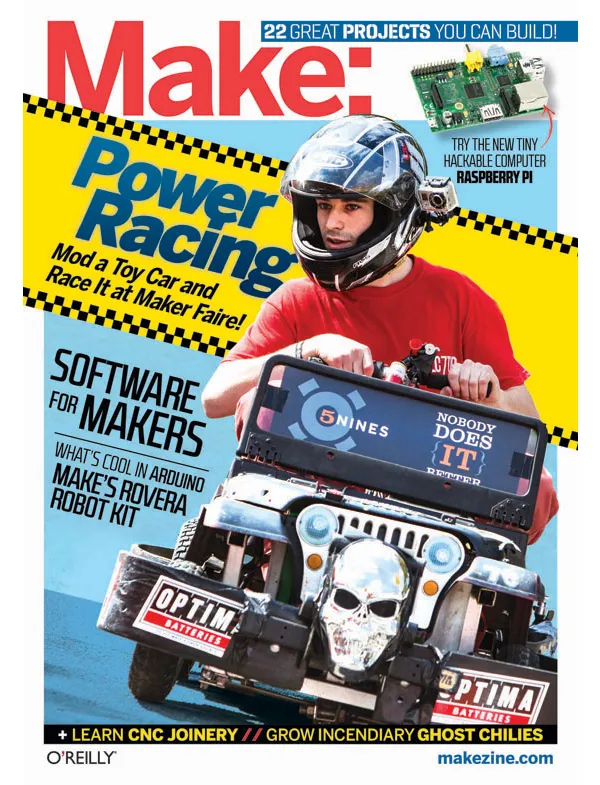
Move over Formula 1, the Power Racing Series is in town.Page 24

Makers are turning their hand-soldered prototypes into consumer electronics.Page 32

Ben, Kendra, and Monsieur Tux the cat tackle the Rovera 2W Arduino Robot Kit.Page 36

Adventures in antique watch restoration. Page 39

From tangible to digital and back again. Page 44
Start programming with SmallBasic Recipes. Page 51
Control your world with Scratch and MaKey MaKey. Page 54
Link Scratch to your bronco for rockin’ good times. Page 56
Make interlocking, self-aligning, and demountable joints in flat stock.Page 58
Use this neat technique to make plywood flexible.Page 66
A getting-started project for Raspberry Pi. Page 68

Prepare for the apocalypse by rolling your own.Page 72
Start a ukulele craze with this great-sounding instrument built from household parts.Page 76
Page 87
Bhut Jolokia peppers are 125 times hotter than jalapeños.Page 88
Make a key-card door lock.Page 92

Plug your guitar into light-programmable waveforms.Page 96
Explore your world through a pinhole.Page 104
Build a snack-dispensing scratching post to make Kitty forget the couch and curtains.Page 108
Bring console-style motion control to your PC.Page 118
Page 121
Brew sake at home.Page 122
Build a solar-powered roasting spit.Page 127
Etch your circuits the easy way — with a resist pattern you make on a vinyl cutter. Page 130

Building a simple counting circuit for kids.Page 134

Long before written numbers existed, merchants used the abacus to count large numbers and calculate the cost of goods. Now you can make your own with easy-to-find household supplies!Page 140
Abraham Lincoln and the political campaign torch. Page 142

Nixie tube chess set. Page 146
Sliver grippers, screw pliers, Typhoon burs, universal clamps, books galore, and the latest in Arduino.Page 148
Gnome math required!Page 160




