
![Cover of Make Volume 95. Headline is "Super [Tiny] Computers". A Raspberry Pi 500+ with RGB lights and an Arduino Q board are on the cover.](https://i0.wp.com/makezine.com/wp-content/uploads/2025/10/M95_Cover_promo.jpeg?resize=150%2C213&ssl=1)
Meshtastic is a tool for communicating without the need of cellular service. In simplest terms, think of it like a walkie-talkie for texting. It’s a distributed, off-grid, mesh communication system, and just as with the venerable walkie-talkies of old, you don’t need a license or special permit to use it. Meshtastic utilizes a low-power, long-range radio technology (LoRa) that can provide much greater ranges than walkies, and it utilizes encryption by default, so you can keep your conversations private and secure — no strange people dropping into your conversation unannounced.
When to Use It
Any time you anticipate not having cell service is a good time to make use of Meshtastic, such as while backcountry hiking, backpacking, or camping. But it’s also useful back in civilization. In most locations, cellular is ubiquitous to the point where it is taken for granted — until it doesn’t work, at which point it can be a major headache. Maybe you’re attending a music festival with 50,000 of your closest friends, and despite the best efforts of major telecom companies, smoke signals would be more effective than texting. Or worse yet, a disaster has struck and cellular infrastructure no longer works at all.
Another major difference from old walkies is that Meshtastic, being digital, can send more information in the background. Beyond just text-based messages, Meshtastic can also convey GPS location information, for near-real-time location tracking and telemetry data. This means you could use off-grid weather stations or remote sensors to collect river data, and receive the data without needing to pay for multiple SIM cards.
Range and Repeat
The range of Meshtastic can be impressively long, with a current record of more than 200 miles, however keep in mind that it uses radio and cannot violate the laws of physics. In a more average situation, a pair of handheld Meshtastic nodes will get 3–5 miles of range. The distance is controlled entirely by the environment between the two nodes. In downtown San Francisco with its plethora of tall concrete and metal buildings? Less than a mile. On a hilltop with a clear view to the horizon? 50 miles.
But your message can travel much farther. While Meshtastic isn’t magic, it does have one trick up its sleeve, and that’s the mesh network. A Meshtastic node that can hear a message will then rebroadcast it for other nodes to hear, similar to a repeater. The more nodes you have on your mesh, the more resilient your messaging becomes and the farther your message can go. The mesh allows your Meshtastic communications to do “impossible” feats like cross over a mountain (with a node on top to repeat messages) and travel greater distances than any single node-to-node operation could go.
Meshtastic Is Open Source

Photography by Jon “ShakataGaNai” Davis.
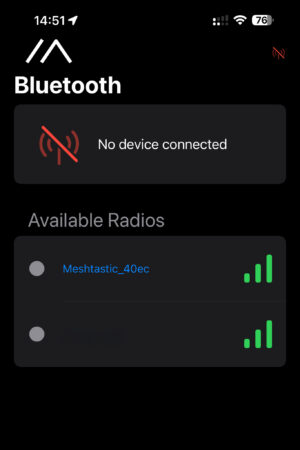
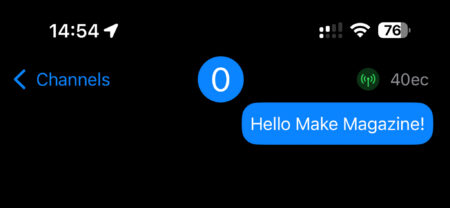
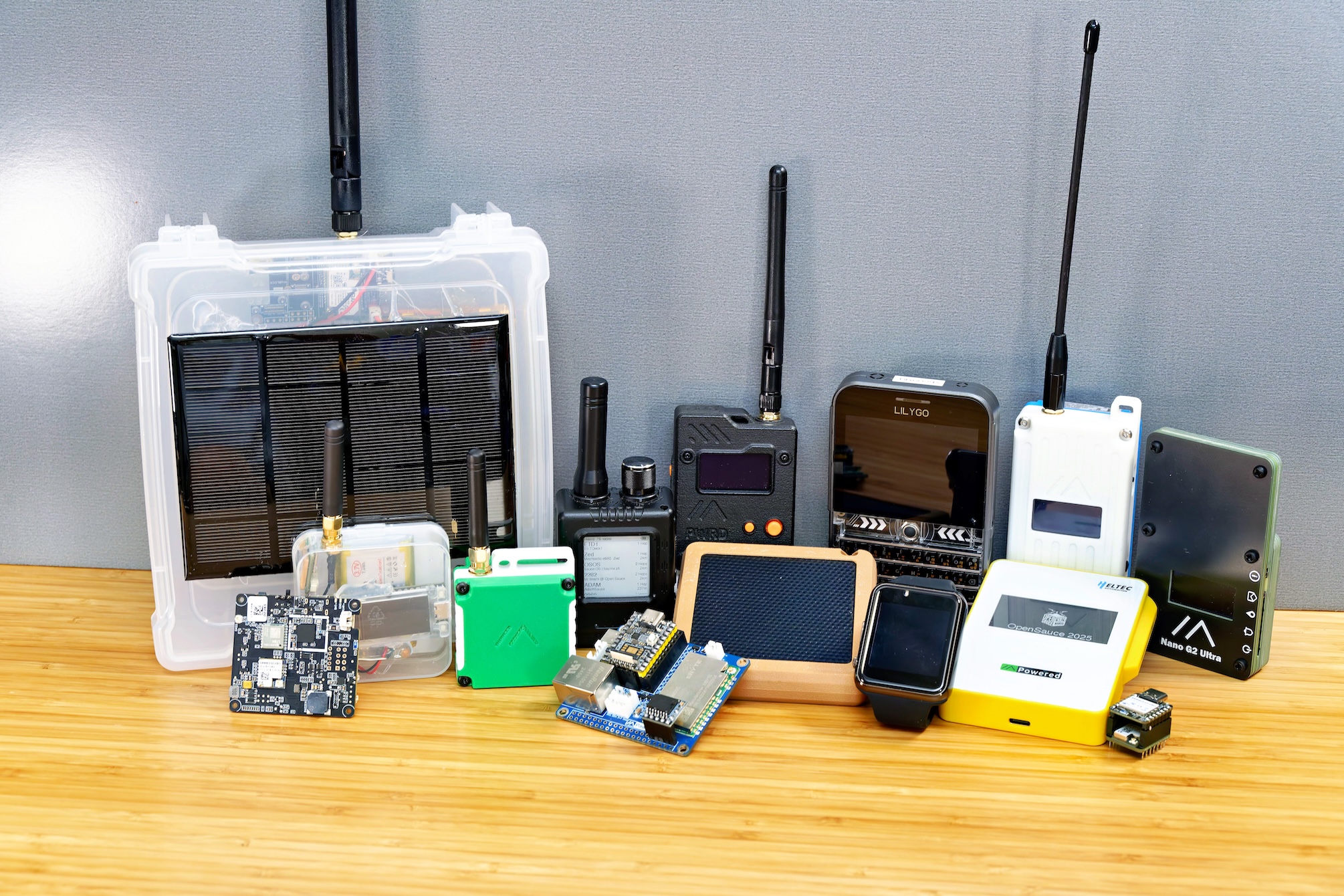
Mesthastic is an open source software project that runs on different types of nodes, some off the shelf and some purpose built. There is node hardware that has a built-in screen and keyboard, like the LilyGo T-Deck, but most users choose to interact with Meshtastic using their phone; the node pairs to your iOS or Android phone via Bluetooth and the companion Meshtastic phone app. Anyone who’s sent an SMS text or used something like Find My will find themselves quite at home already. As such, the node hardware form factors run the gamut from those retro-Blackberry all-in-ones, to basic nodes like the LilyGo T-Echo (left), to waterproof “cards” such as the Seeed SenseCAP Card Tracker T1000-E (center).
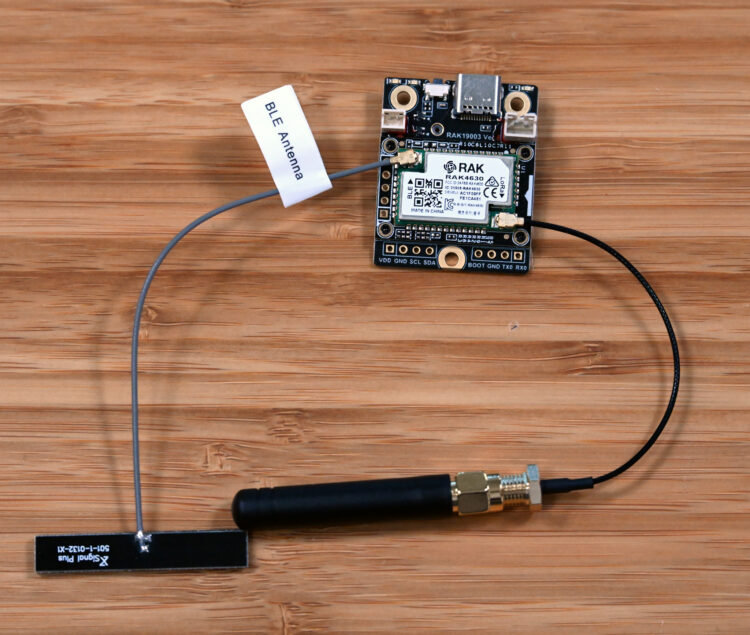
But it’s more fun (and sometimes cheaper) to make your own. There are a number of dev kit options available for those who prefer the more “DIY” route or need something more flexible.
Make a Meshtastic Walkie-Textie
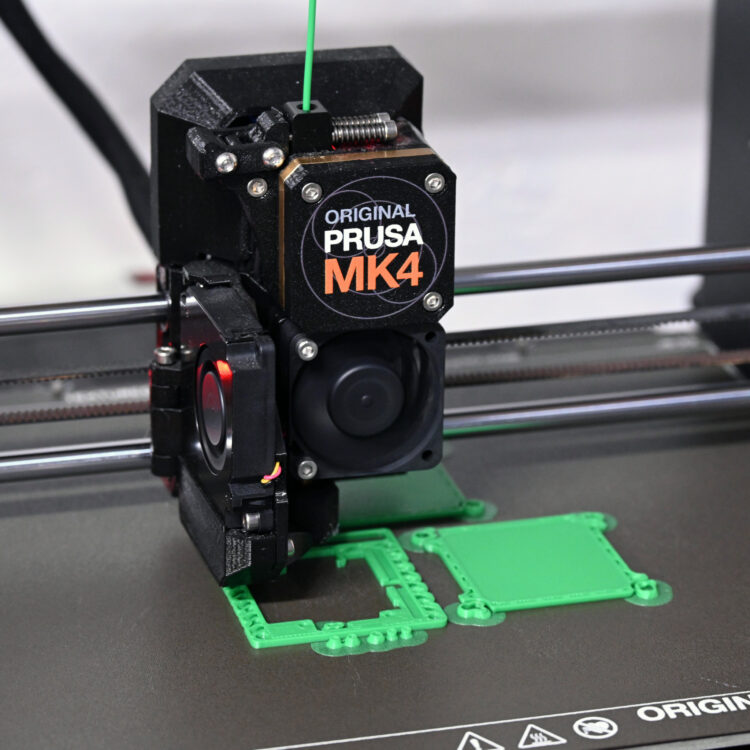
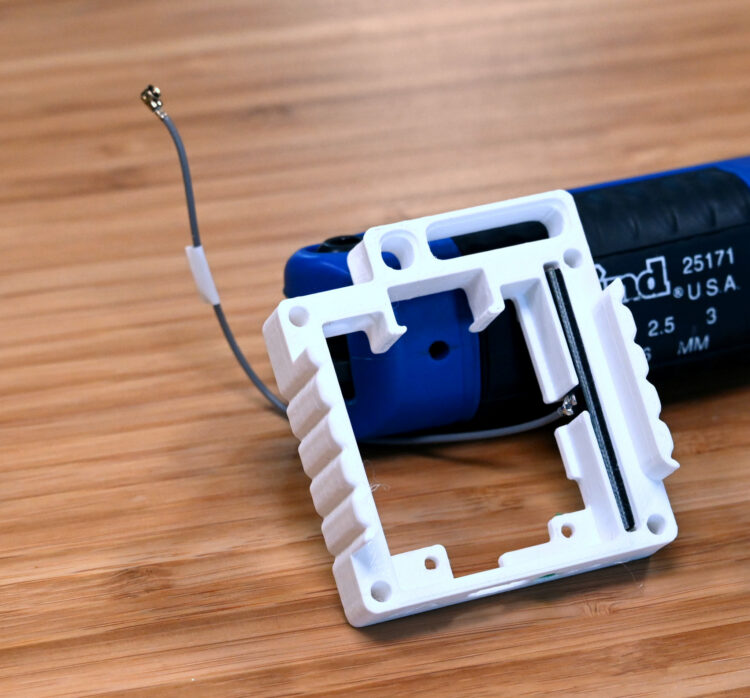
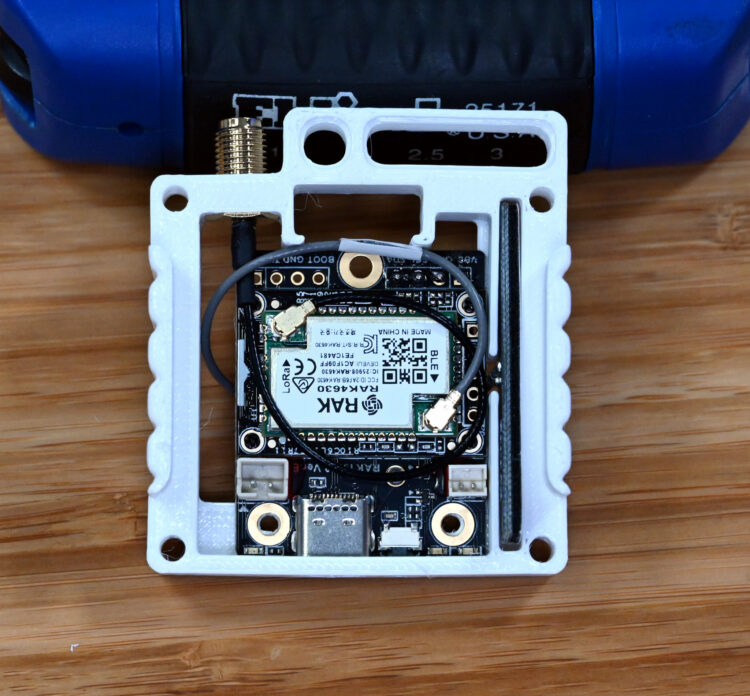
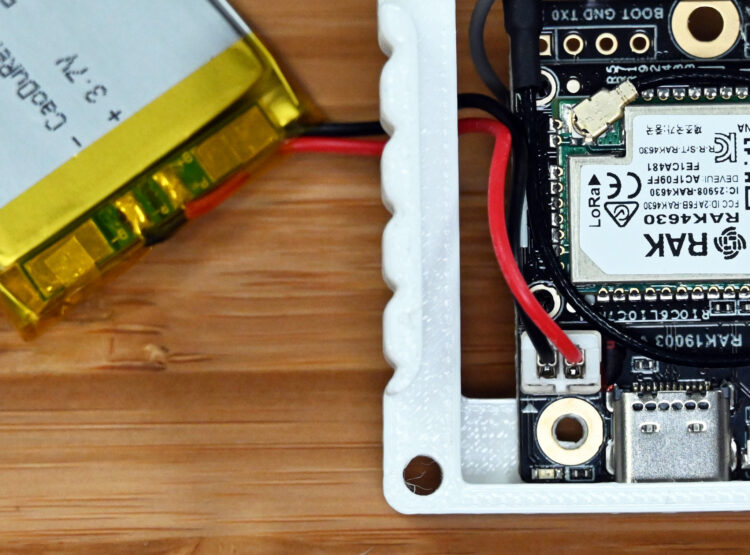
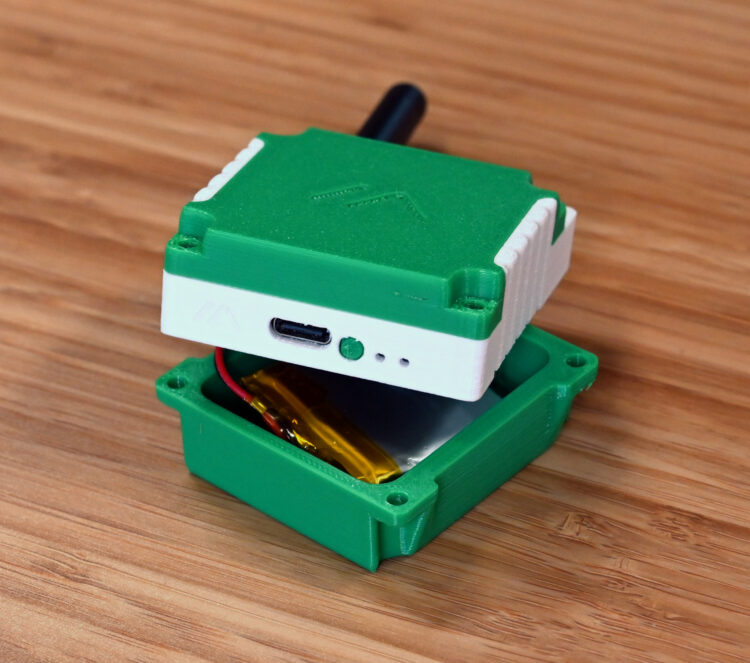
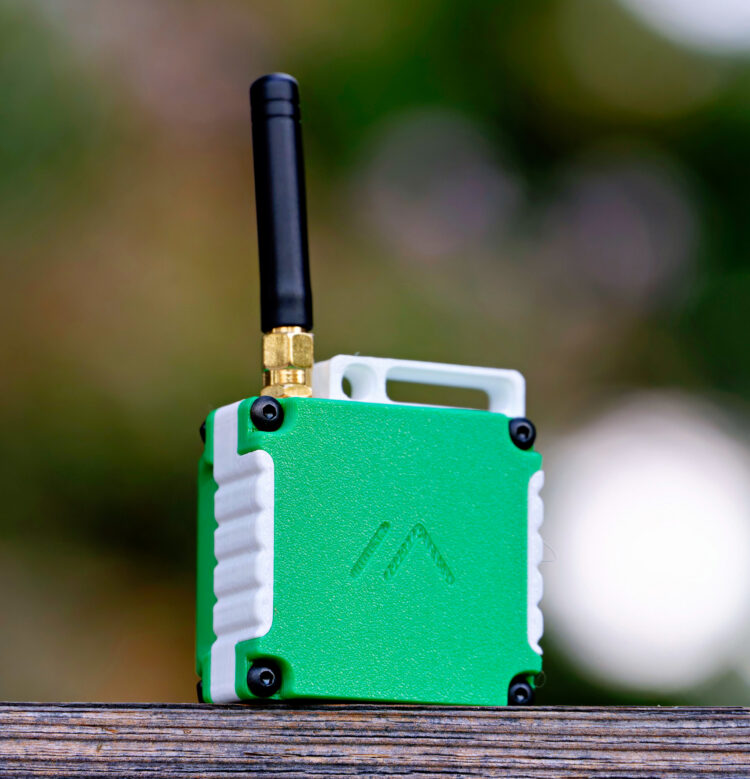
If you build it, it will mesh! In this project, we start with the most common of the Meshtastic-compatible dev kits, and then build it up into a usable handheld node including extra sensors and a 3D-printed case. We’ll also show how you could use the same hardware in other form factors, such as a solar-powered infrastructure node. Of course, while this demonstration shows just a single Meshtastic node, you should buy two. It’s much more fun to give one to a friend/roommate/loved one/random person on the street so you have someone to chat with!