








Desktop laser cutters have been a boon to craft sellers. Such a boon, in fact, that most laser-cut plywood products tend to camouflage with all the other laser-cut plywood products. You can stand out with post-processing, but that’s another operation. And switching to colorful materials means using something either more expensive or smellier than plywood. Today xTool expands the aesthetic scope by launching the M2 Color Craft Laser, which combines a diode laser cutter and a CMYK inkjet printhead for new possibilities in automated customization.
Printer laser, not laser printer

The xTool M2 Color Craft Laser is a 16"×12" combination desktop laser cutter and color printer. It comes with a CMYK print module for full-color printing. And it’s available with a 10W or 20W blue laser, or 3W IR laser. So it can handle up to 10mm plywood or 8mm acrylic in one pass. There’s also an optional rotary accessory for engraving cylinders.
My test print wasn’t as sharp as my photo printer (I still have to play with the settings), but also my photo printer doesn’t work on basswood. To switch from printing to cutting, you just pop out the inkjet head, swap in the magnet-mounted laser module, reconnect the USB-C cable, and you’re good to go. It takes seconds.
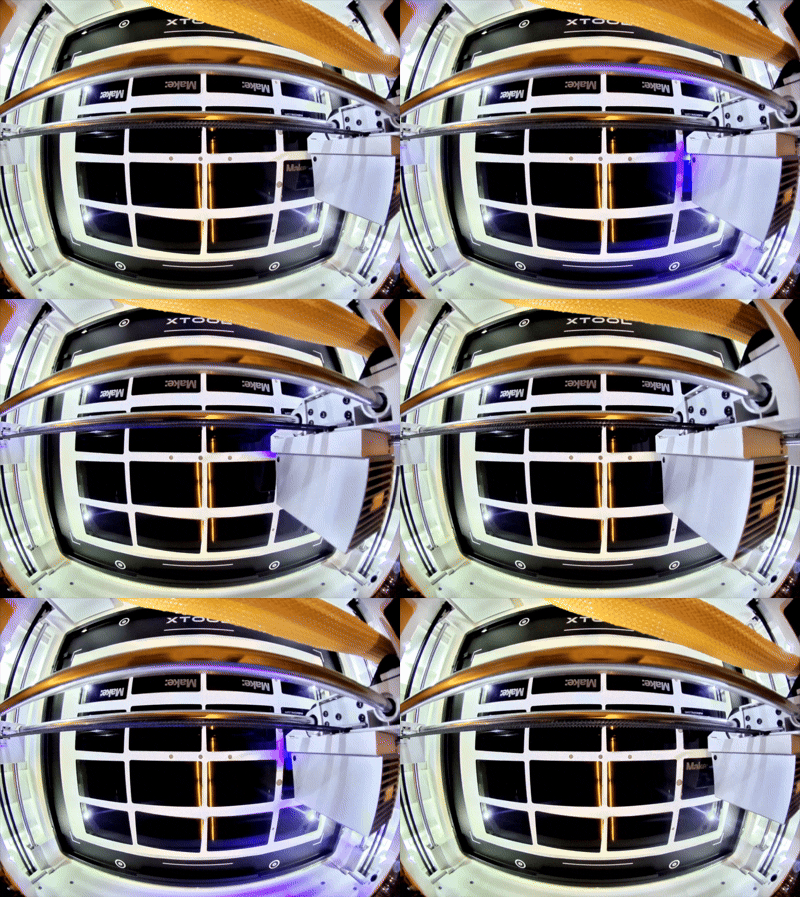
M2 has two cameras – a wide one for instantly viewing the whole bed, and a close-up one mounted at the toolhead for precise positioning. The wide camera can also be used for remotely monitoring the machine, which is admittedly not as safe as being right next to it in case something catches on fire, but is appreciated nonetheless. And there’s a stitch mode for the close-up camera, utilized during batch fill to copy a design across multiple objects without a jig. The batch fill isn’t unique to M2, but the 16"×12" bed fits a lot of small parts.
It’s quality stuff
xTool sent along a desktop air purifier, which almost totally eliminated any cutting odor. They didn’t need to go all-out on the exhaust hose, but it’s a well-made multi-material piece that lets you know they didn’t skimp on the details.

The built-in tutorials are simple enough even for anyone who’s never touched a laser cutter before, and an appreciated way to get up and running on a new machine. An extensive material library delivered excellent results without needing a test job. And the spring-loaded magnetic fixture tabs made for easy and precise placement.

Image by xTool.
New tools, new ideas
I can think of a few spot-on applications for this machine; starting with book nooks and jigsaw puzzles. But the capability is applicable to any project that needs post-laser coloring, and even some that don’t. Adding an inkjet to a laser means there’s no need for single-line fonts or wrenching graphics out of CAD software.

By migrating the default coloring device from the pen on the M1 to an inkjet, the M2 can produce full color designs quicker, and with less manual effort. It fits xTool’s continued focus on production for small business owners. The CMYK & laser toolheads complement each other well, making the xTool M2 a chocolate and peanut butter combination of desktop machines.

ADVERTISEMENT