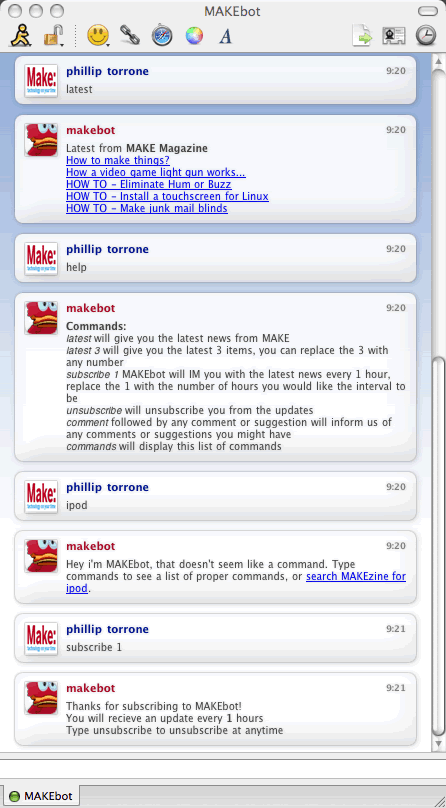
The MAKEbot is here!

The MAKEbot has arrived! This is “beta”, so we’ll see how it goes. The MAKEbot is a AIM/iChat buddy you add to your list. When you type latest, he will give you the latest headlines from Makezine.com. You can type subscribe 1 and he’ll deliver the latest news each hour, lastly – if you type keywords like psp, welding, ipod or whatever he’ll search the Makezine.com site and pages from MAKE and give you a link from our search engine to help you find what you’re looking for…You can also type help to get a list of commands. Here are some screenshots and a little more information…
 Michael Tiemann here at OSCON has a challenge “Many car audio systems have a feature that increases the volume of the program to keep the signal level constant over the noise level. But with cars like the Prius, we can control the level of the noise based on the signal–a better approach. The first hack is to mod the Prius power management system so that in addition to battery level, acceleration, and speed, it takes GPS data into account…”

 Here’s the latest